Product
Do the task. Document it.
Defend it. Validate it.
EdSphere turns one written assignment into a practical task and runs it from design to a permanent record. Each step below follows one example from an electronics lab: instead of a lab report on circuit theory, a student finds and fixes the fault in a circuit board, captures each step, and explains their reasoning. The same steps work for any practical task.
Step 01Instructor
Design
Design the task from your own course.
- Start from what you teach. Upload a Canvas course export (Common Cartridge), or describe your course in a chat and attach your materials.
- Choose what to assess. From a course export, EdSphere finds the learning objectives and marks each as found in your course, with the quote, or inferred.
- Describe the task in a sentence or two. It proposes three to six checkpoints, a rubric, and the defense settings.
- Edit anything, then publish. Invite students by email; each gets a private link.
Target time: About 10 minutes, once
Proposed task · Draft
Diagnose and repair a faulty amplifier board
Replaces: a lab report on circuit theory.
- 1Supply checkPhoto
- 2Signal tracePhoto
- 3Power-up test after the repairVideo, up to 90 s
- 4Your reasoningVoice note, up to 2 min
Step 02Student
Do & document
Capture the evidence while the work happens.
- Open the link on their own phone. No app and no account; it works in iPhone Safari and Android Chrome.
- Capture each checkpoint during the task. A photo, a video up to 90 seconds, or a voice note up to two minutes, each with a sentence on what they’re doing and why.
- Count it only once it’s safe. A checkpoint is done only when the upload is confirmed, so the student always knows what has arrived.
Target time: Under 6 minutes, during the task
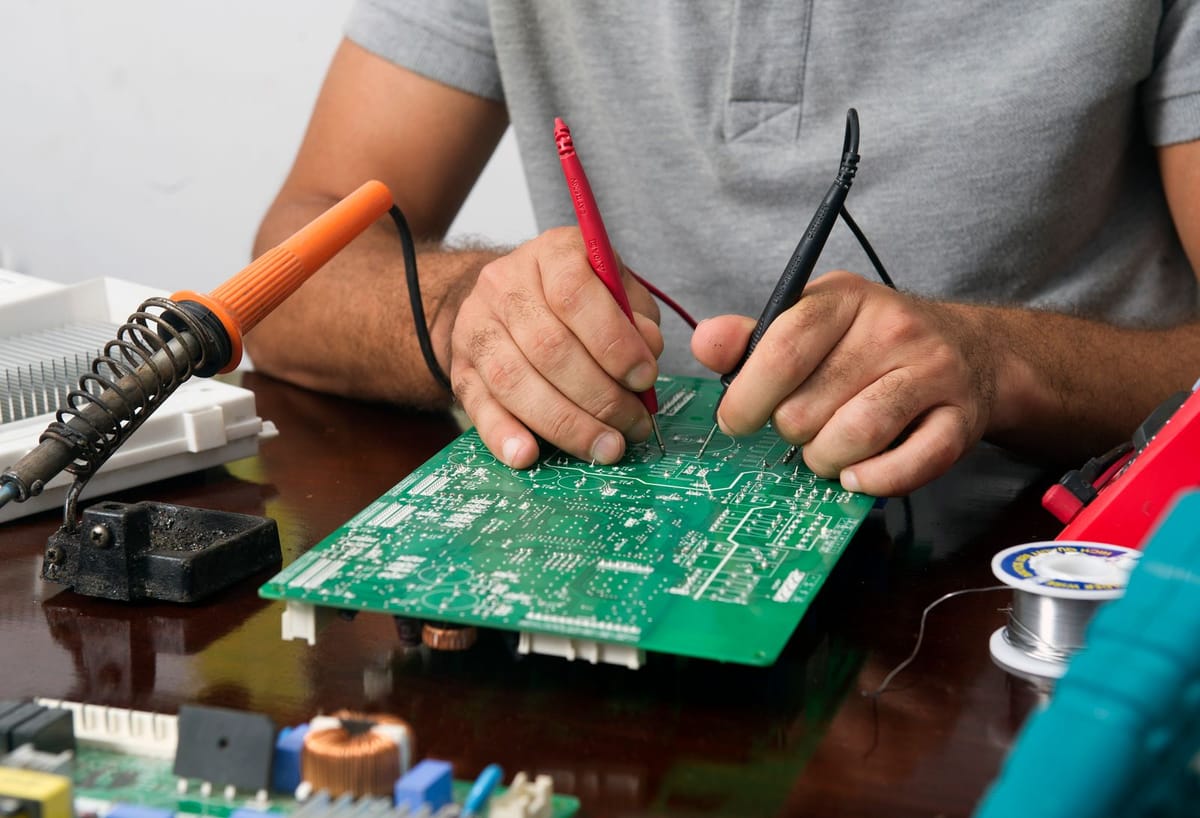
Checkpoint 1 · Supply check
14:02“Probed the regulator output first. Expected 5 V, read 4.9 V, so the supply is fine.”
Uploaded
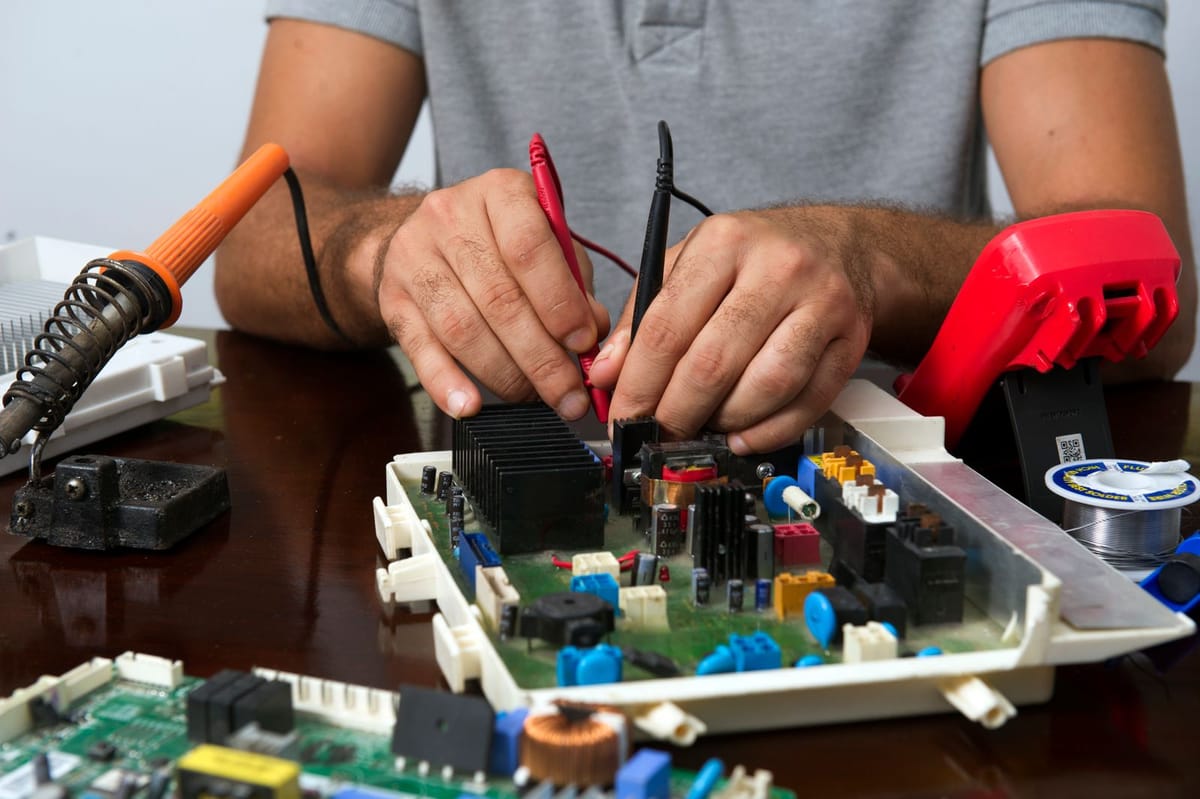
Checkpoint 2 · Signal trace
14:11“The signal is there at the input but drops after the second transistor. That’s where the fault is.”
Uploaded
Checkpoint 3 · Power-up test
0:06“Transistor replaced. Bench supply on: the current stays steady and the output is back.”
Uploaded
Checkpoint 4 · Voice note
0:22Transcript: “I measured the regulator output first, because if the supply is wrong, every other reading is meaningless…”
Step 03Student
Defend
Explain the decisions they actually made.
- Answer questions drawn from their own evidence. Three or four of them, which only someone who did the work can answer well.
- Answer by voice or text, as the instructor sets it, on the same link and the same day. Voice answers are transcribed and labeled as such.
- Sit beside the evidence. The instructor reviews each answer next to the checkpoints it asks about.
Target time: About 10 minutes, same day
Defense · Question 1 of 3
Asked about: Checkpoint 1, supply check
“Your first photo shows you measuring the regulator before anything else. Why start there?”
Voice answer, transcribed: “If the supply is wrong, every reading after it means nothing. It read 4.9 V, within tolerance, so I could rule the supply out and trace the signal.”
Step 04Instructor
Validate
Judge evidence, not prose.
- See the evidence first. One page per student: photos, videos, notes, and defense answers, criterion by criterion.
- Check the draft, then decide. An AI draft for each criterion cites the evidence it relies on. Every citation is checked against the student’s actual evidence before you see it.
- Make the call: Agree or Change level. Nothing is pre-selected, and points stay hidden until every criterion is judged.
- Save, and the next student opens.
Target time: About 4 minutes per student
Criterion · Diagnoses the fault methodically
AI draft (advice only)
Meets. Checked the supply before the signal path, found where the signal drops, and explained why.
Photo 1Photo 2Answer 1
Nothing is pre-selected. The instructor decides.
Step 05Automatic
Record
Keep what they showed, for good.
- Write a permanent record on save. The level for each criterion, the linked objectives, evidence counts, and who validated it and when.
- Lock it. Nobody can change a record once it’s written.
- Share it with the people it belongs to. Students see their record on the same link; instructors see it in the roster and export results as CSV for the gradebook.
Target time: Automatic
Record
Can’t be changed- Outcome
- Find and fix a fault in an electronic circuit
- Level
- Meets
- Evidence
- 2 photos · 1 video · 1 voice note · 3 defense answers
- Validated by
- The course instructor, with date and time
These times are our estimates. Our pilots will measure the real numbers.
Illustrative example. Photos and video from Pexels; the voice note is generated.
Enforced in the software
The rules the AI follows.
The AI organises, drafts, and asks questions. A qualified person makes every grading decision. These rules are built into the software, not just written in a policy.
01
It never assigns a grade.
It drafts, and a person decides every criterion.
02
It never invents a rubric level.
It uses only the instructor’s rubric, exactly as written.
03
It never cites evidence that isn’t there.
Every citation is checked against the student’s actual evidence before the draft is shown.
04
It never pre-selects an answer.
Agreeing takes the same click as disagreeing, and points stay hidden until every criterion is judged.
05
It never posts a result on its own.
A result is posted only when the instructor saves, and the record can’t be changed afterwards.
Honest scope
What the first version doesn’t do yet.
We’d rather tell you now. Pilot partners help us decide what to build first.
- Grade sync with your LMS (CSV export instead)
- Printed slips or QR codes
- Analytics dashboards
- Department or multi-instructor roles
- Public share links for records
- Native apps, and languages other than English
Questions
What educators ask first.
Does the AI grade students?
Do students need an app or an account?
Which systems does it work with?
What kinds of tasks fit?
How is student data protected?
What does it cost?
See it on one of your assignments.
Pick one written assignment you’d like to replace with a practical task. We’ll set it up with you, for free, and measure together whether it works.